A time clock in every crew member’s pocket.
The Crew App puts clock in and out, receipts, the schedule and a crew chat on your crew’s phones, and everything lands in your books.
Clock in from the job site
Your crew clocks in and out on their own phone. The time comes from the server’s clock, so it cannot be backdated, and each shift can carry the job it was for.
Hours land on the Time Sheet by pay week for you to approve, and count toward each job’s cost.
- Clock in and out on iPhone or Android
- Server time, no backdating
- The job on each shift
- Time Sheet by pay week, approved by you
Receipts that land in the right place
A crew member takes a picture of the receipt, picks the client it was for, or OFFICE if they are not sure, and sends it. You file it from the Receipts page and the photo goes into that client’s, vendor’s or employee’s files.
- Take a picture of the receipt in the app
- Pick the client and the job
- Unsure? It goes to the office to be sorted
- Who sent it stays on it for good
Crew chat, the schedule and the office
The whole crew and the office share one group chat, right in the app, with a notification on every phone when someone posts. One message reaches everybody: a change of plan, a photo from the site, who is bringing the trailer.
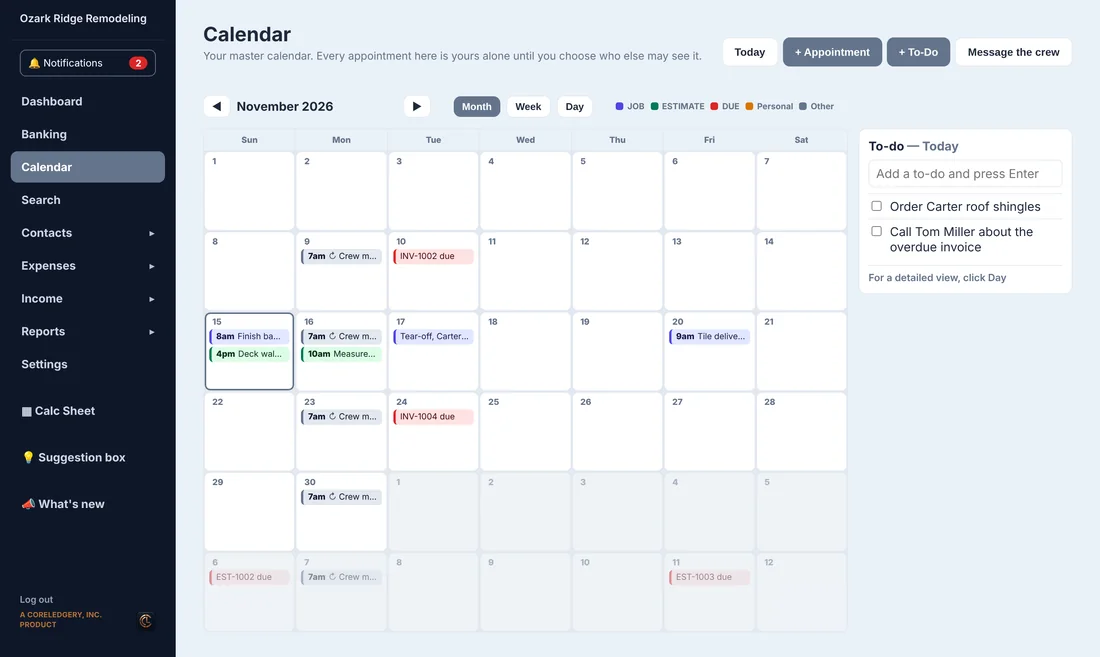
The crew also sees the appointments you share with them and gets a notification when something changes, and anyone can message the office on their own.
You see who is on the clock and what is waiting for you on the dashboard, or on your own phone in the Operator App.
- Crew group chat with the office, with notifications
- Shared schedule with notifications
- Private messages to the office
- Their own information, which they can see but not change
- Free to download from the App Store and Google Play
Questions
Does my crew pay for the app?
No. The Crew App is free to download. It is included with the Crew plan ($54 a month), the Business plan and the Beta plan.
Can someone clock in for yesterday?
No. Clock in and out use the server’s clock, and crew members cannot type in their own times.
Is there a crew chat?
Yes. The crew and the office share one group chat in the app, and every phone gets a notification when someone posts. You read and answer it from the office or the Operator App.
Does it work on iPhone and Android?
Yes. The Crew App is on the Apple App Store and Google Play.
See it with a real-looking business.
Open the demo, click around, change anything. No sign-up, and it resets for the next person.